
01Trigger
Open it your way
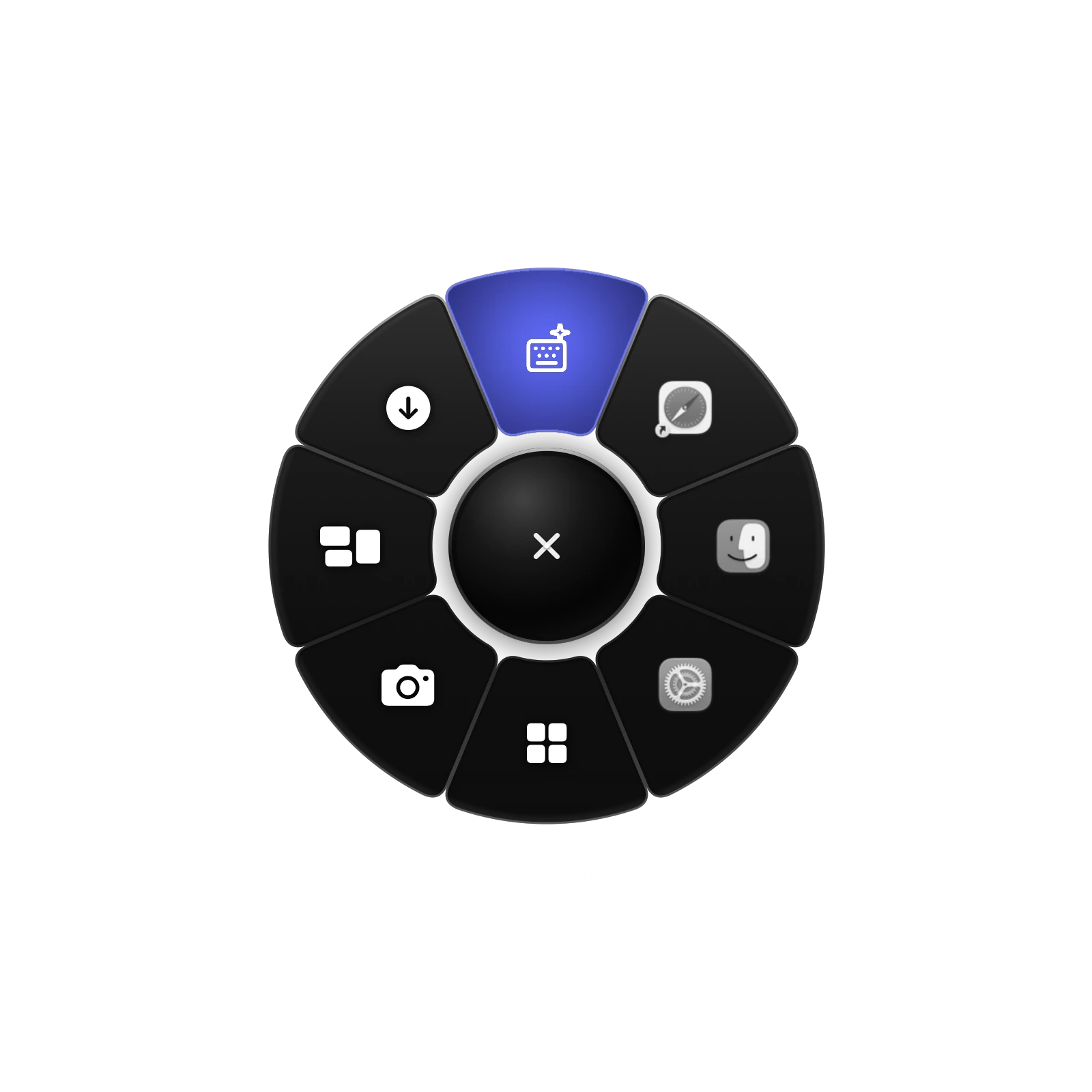
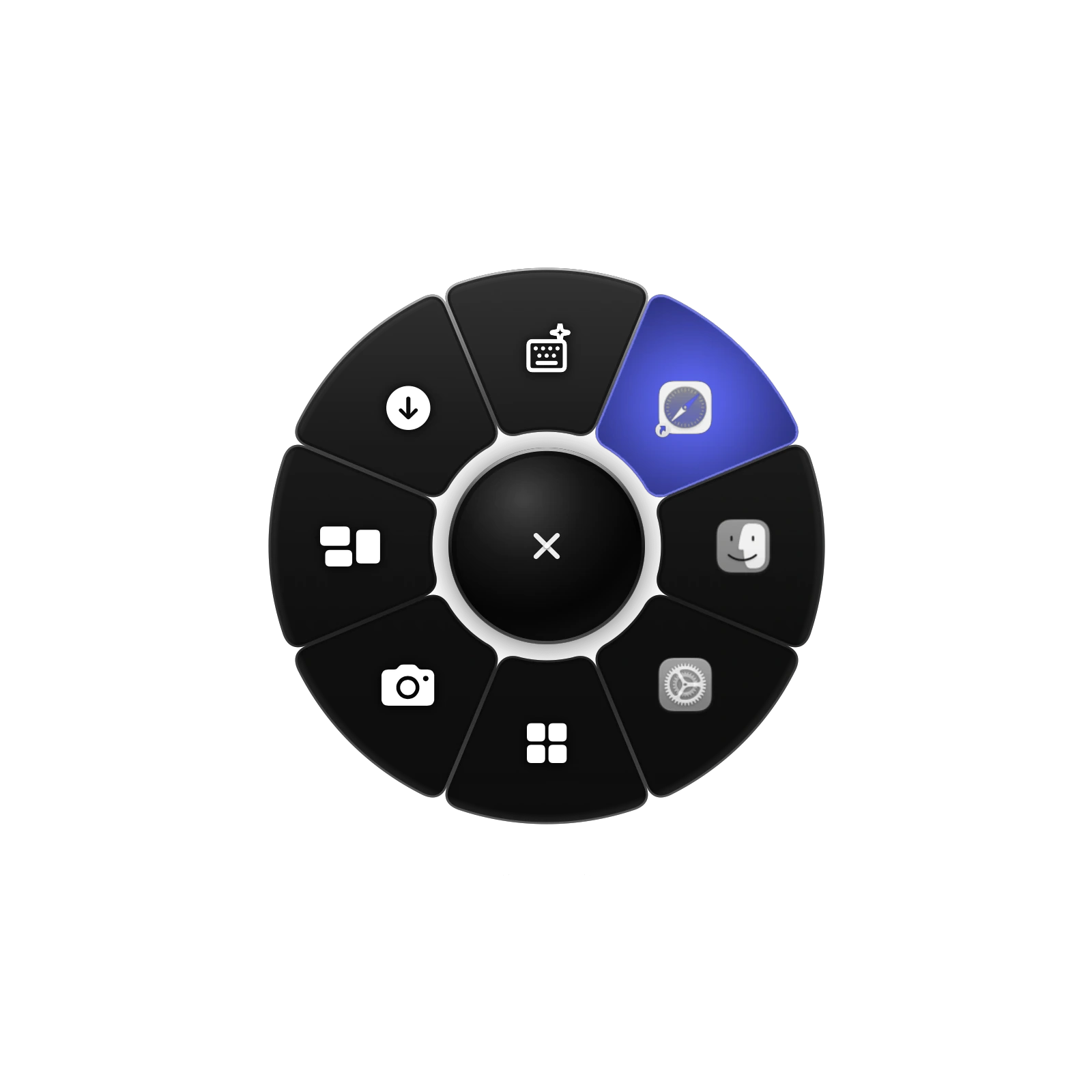
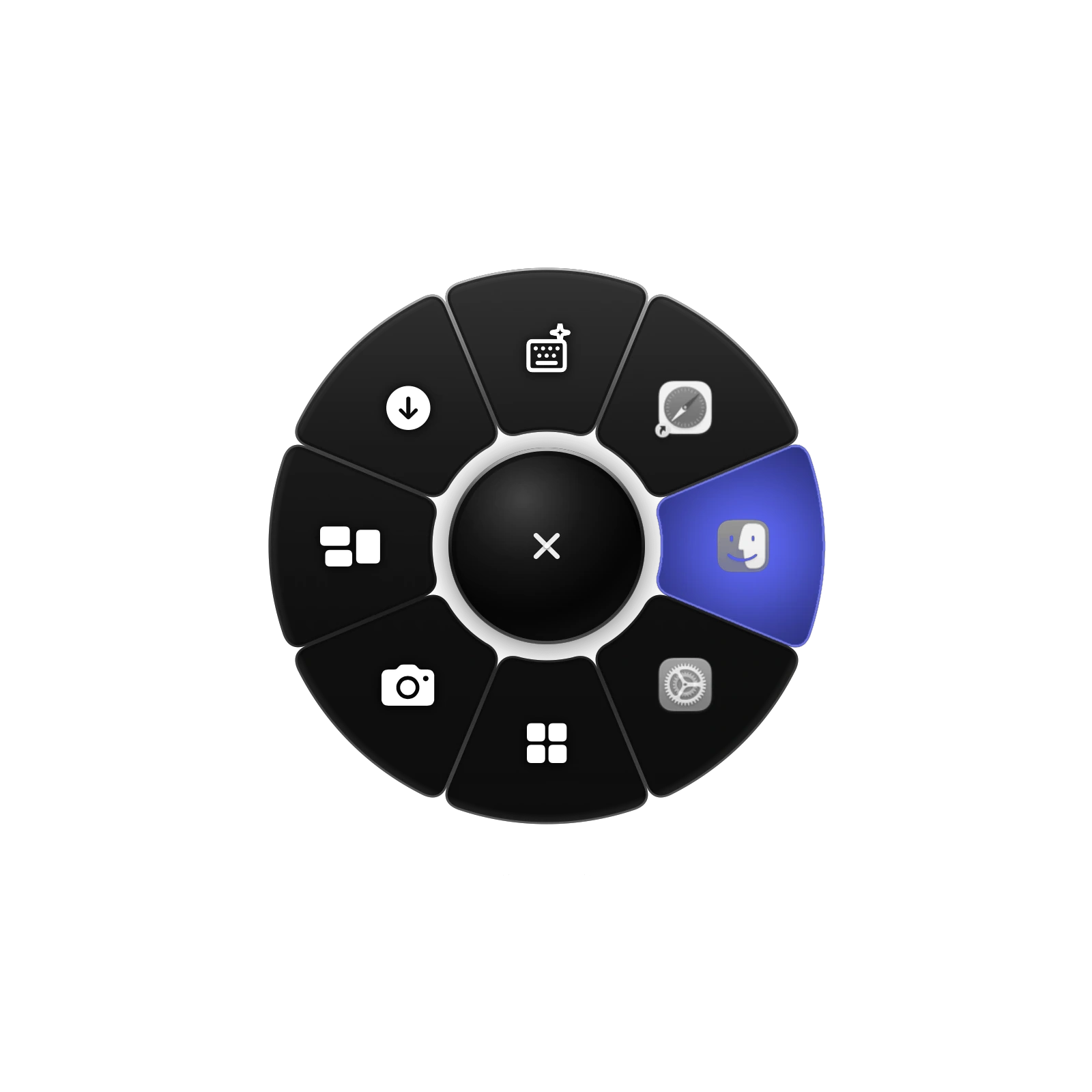
Record any keyboard shortcut, or use a mouse button. Hold and release, or tap and click.
3 Day Free Trial
Lifetime License / Up to 2 Macs
Designs
Prefer clicking? Switch to Tap and click in Settings.
Triggers, sounds and motion, tuned so the ring feels effortless every time you open it.
Record any keyboard shortcut, or use a mouse button. Hold and release, or tap and click.
Open the ring with any button but the left, and tune the wheel to ratchet or free-spin on supported mice.
Open, hover, select, close, fan, back and error. Give any of them another design's sound.
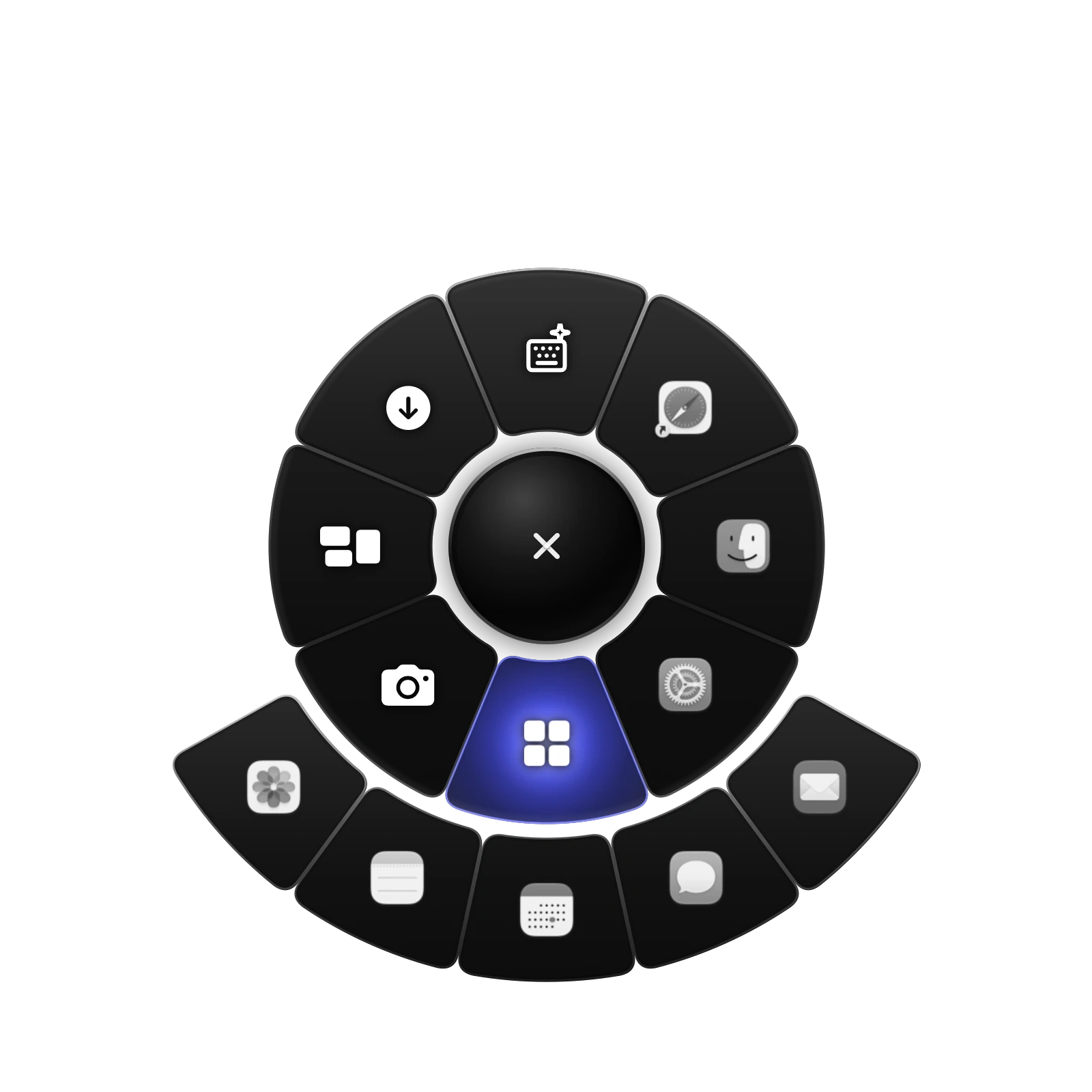
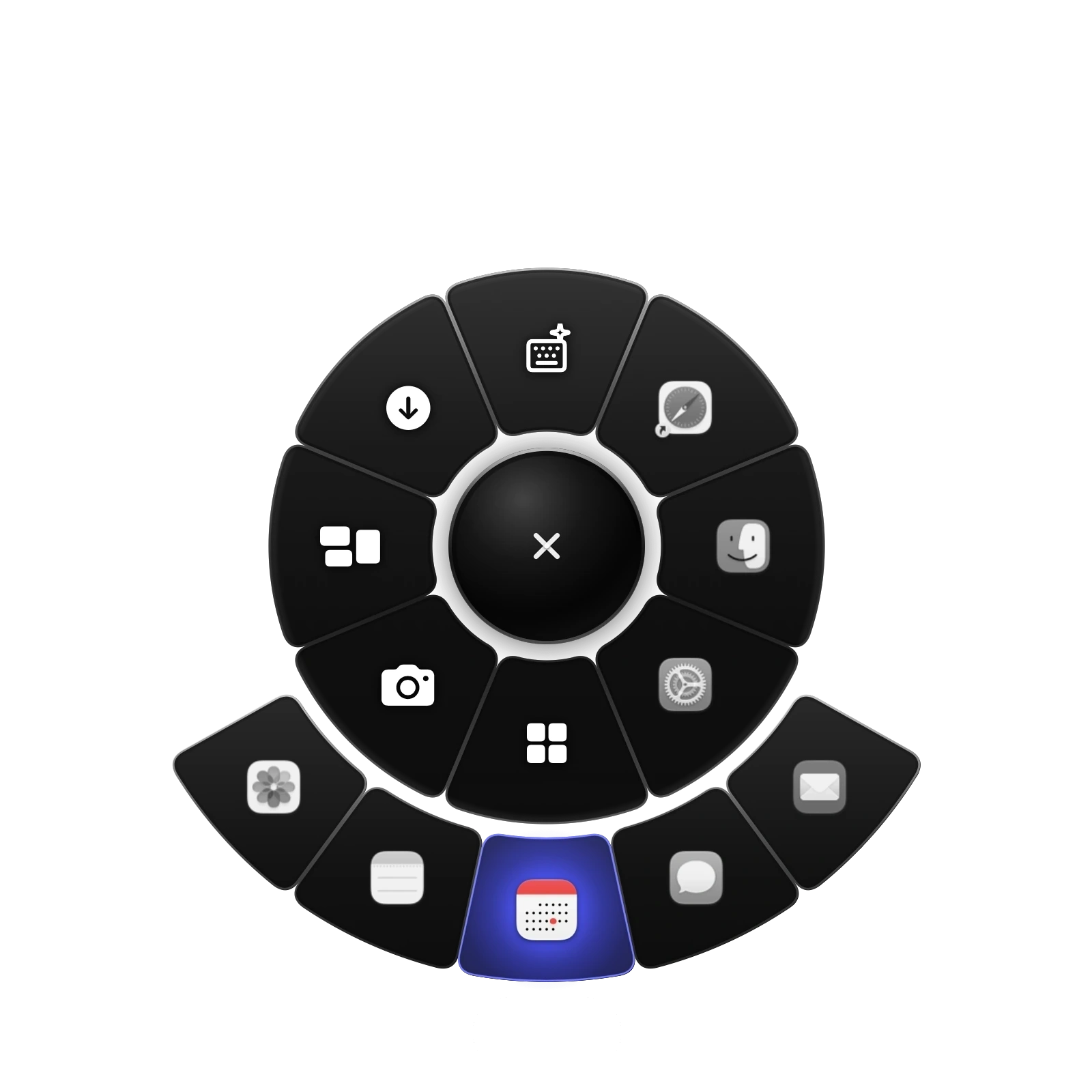
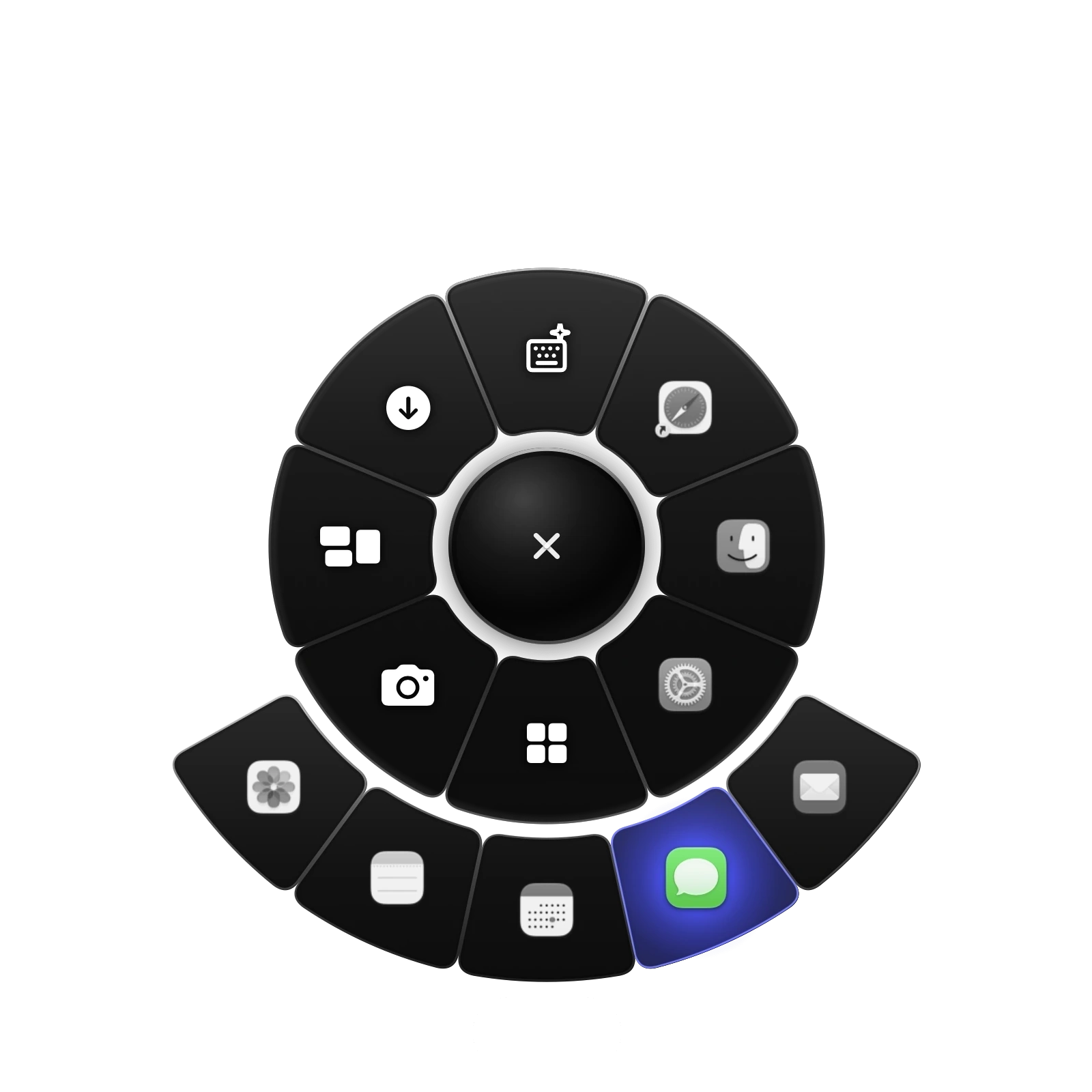
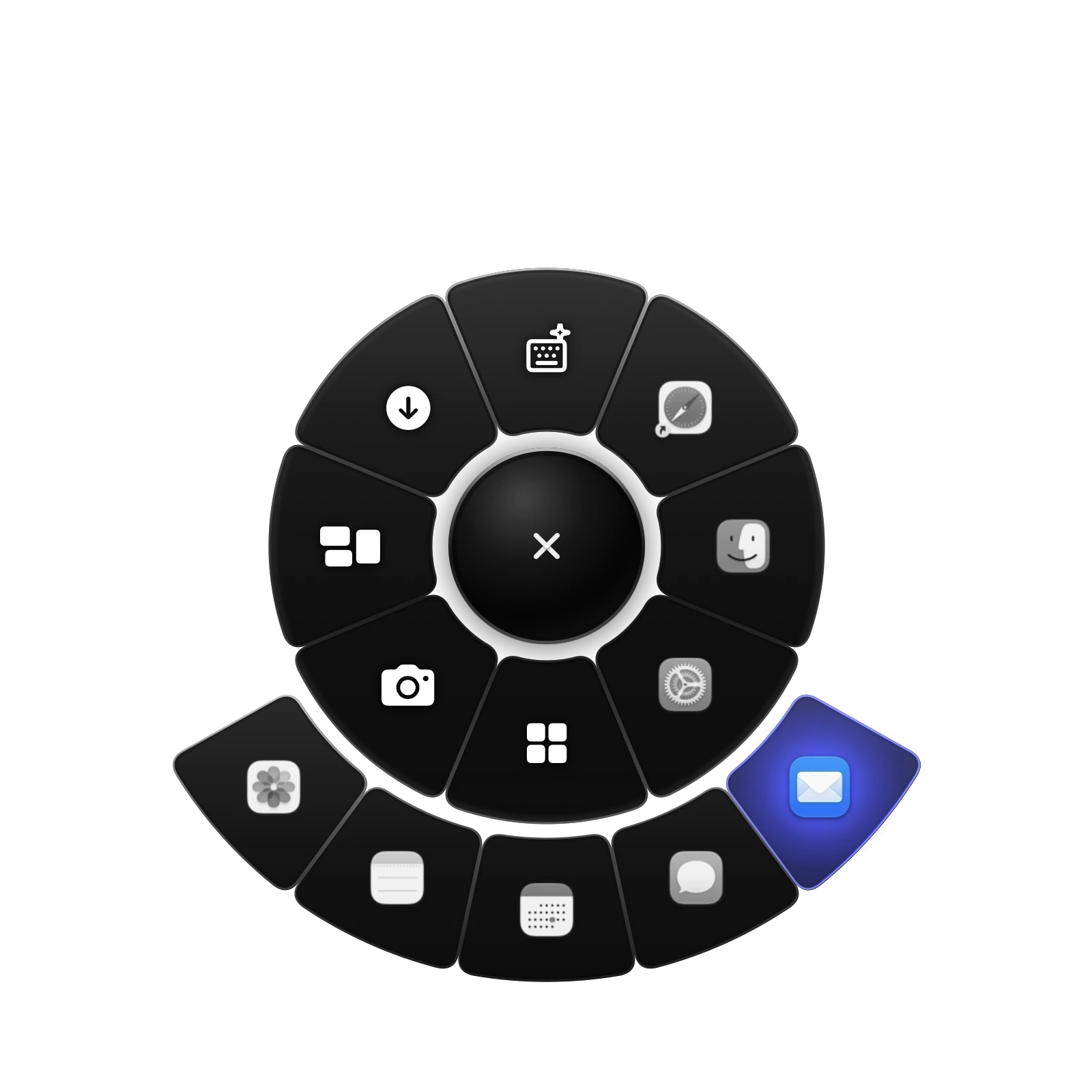
A group's items unfold from its slot one after another, with a trackpad tap on every seat.
A slot that locks your keyboard so you can wipe it down, until you unlock it.
Save your rings to a file, and bring them back whenever you like.
About Qark
Everything finds its place around a centre, always within reach.
That became the idea: bring the things you use most directly around you.
The inspiration came from exploring different radial and ring based apps. I loved the concept, but wanted more freedom to shape the experience around my workflow while keeping it polished, elegant, and effortless. So I built it myself.
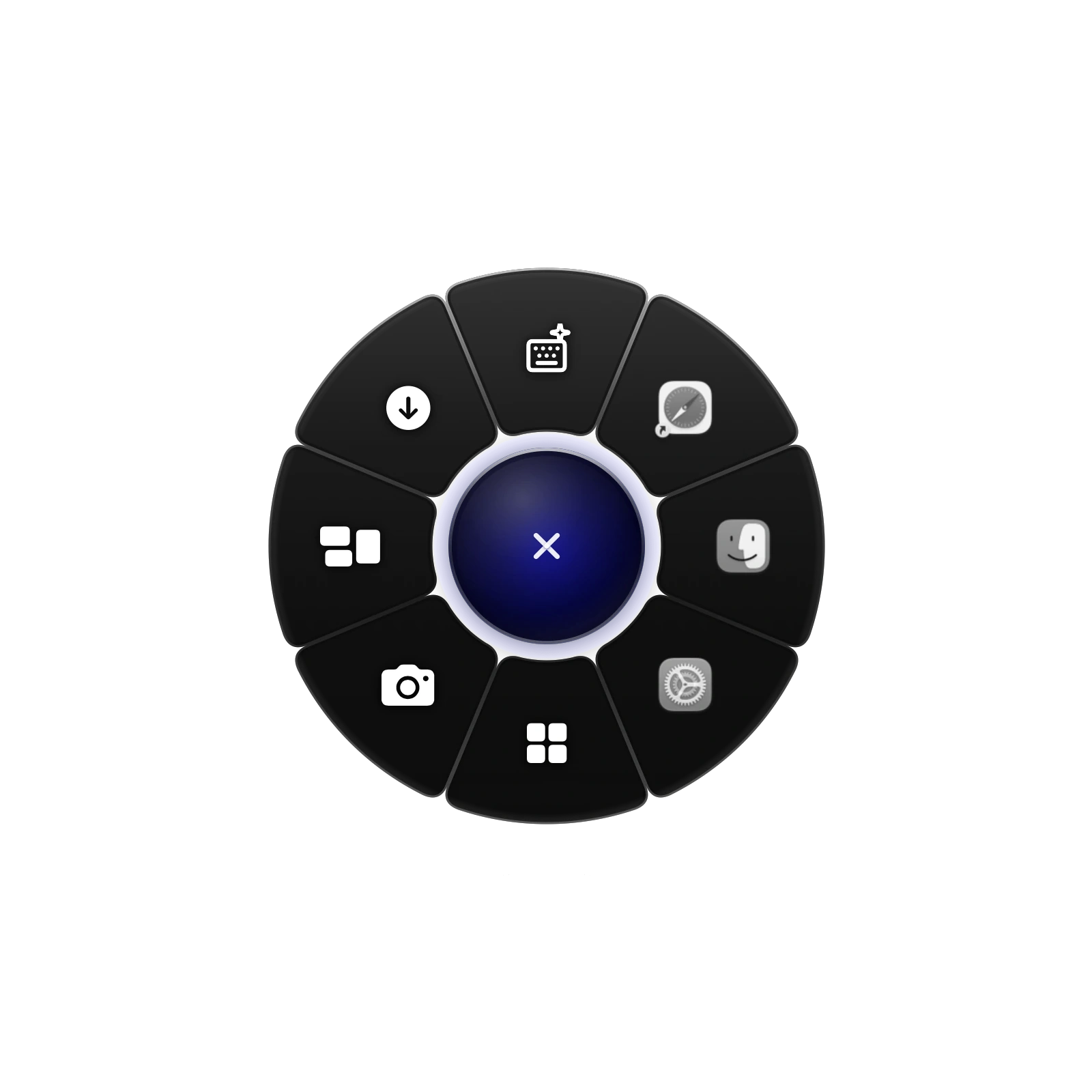
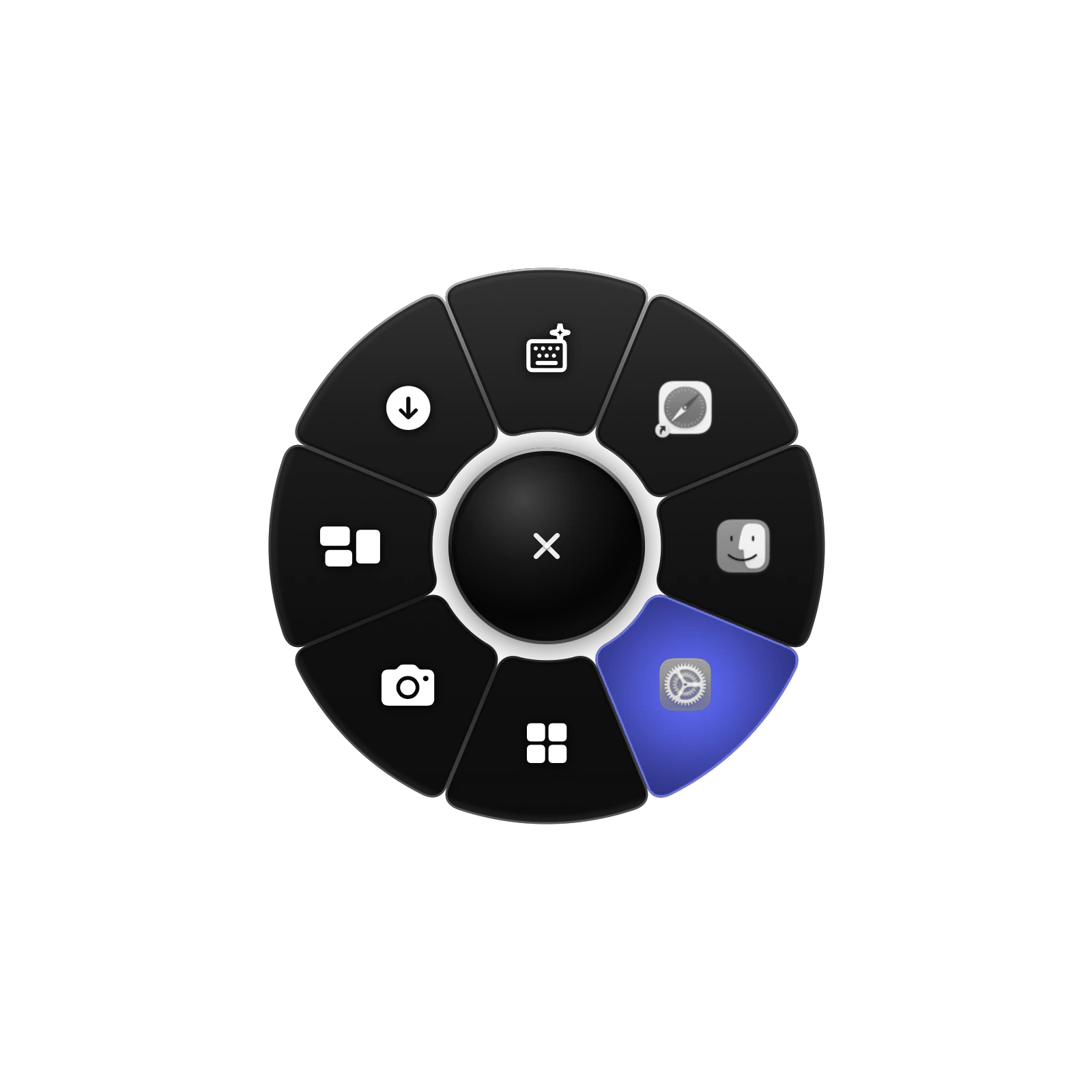
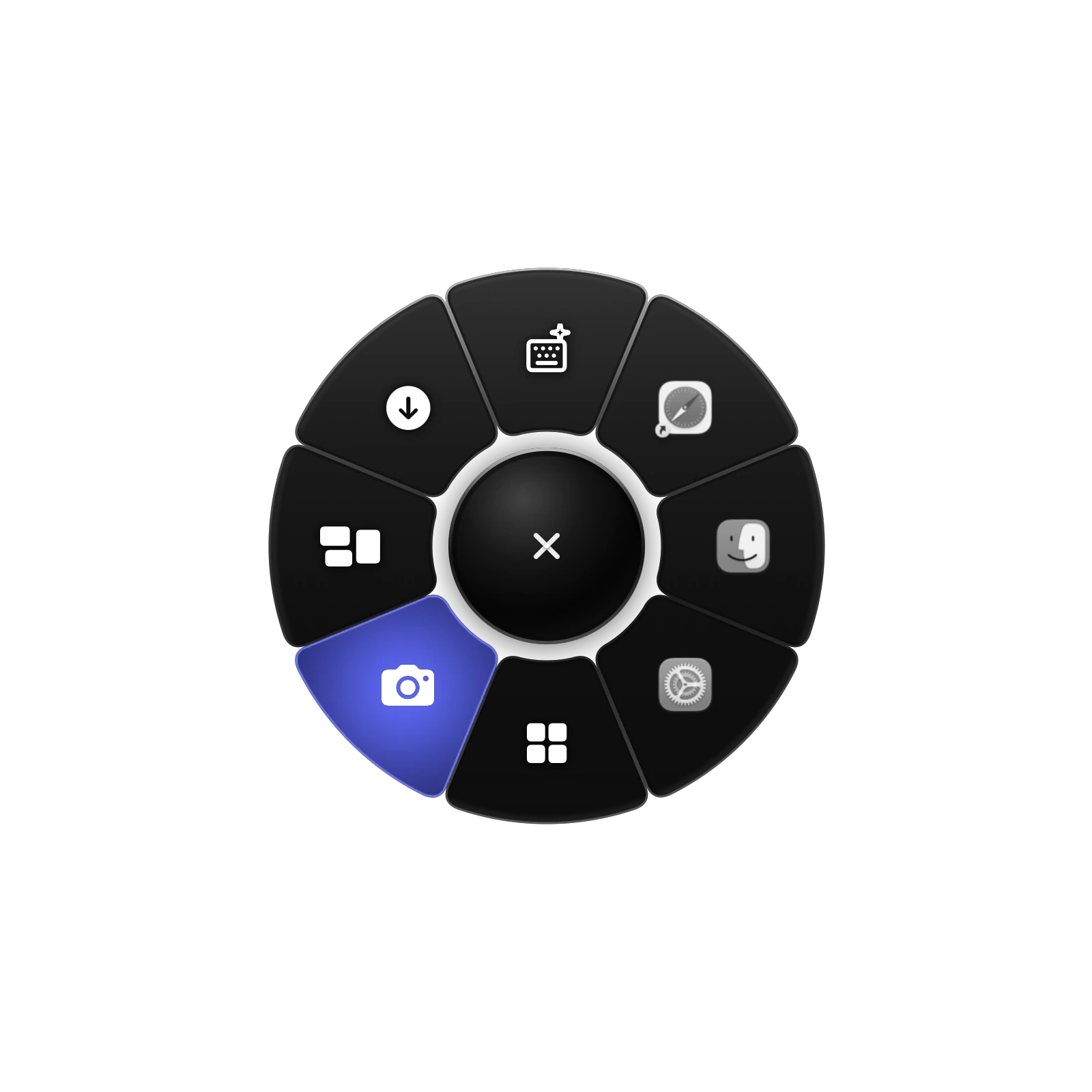
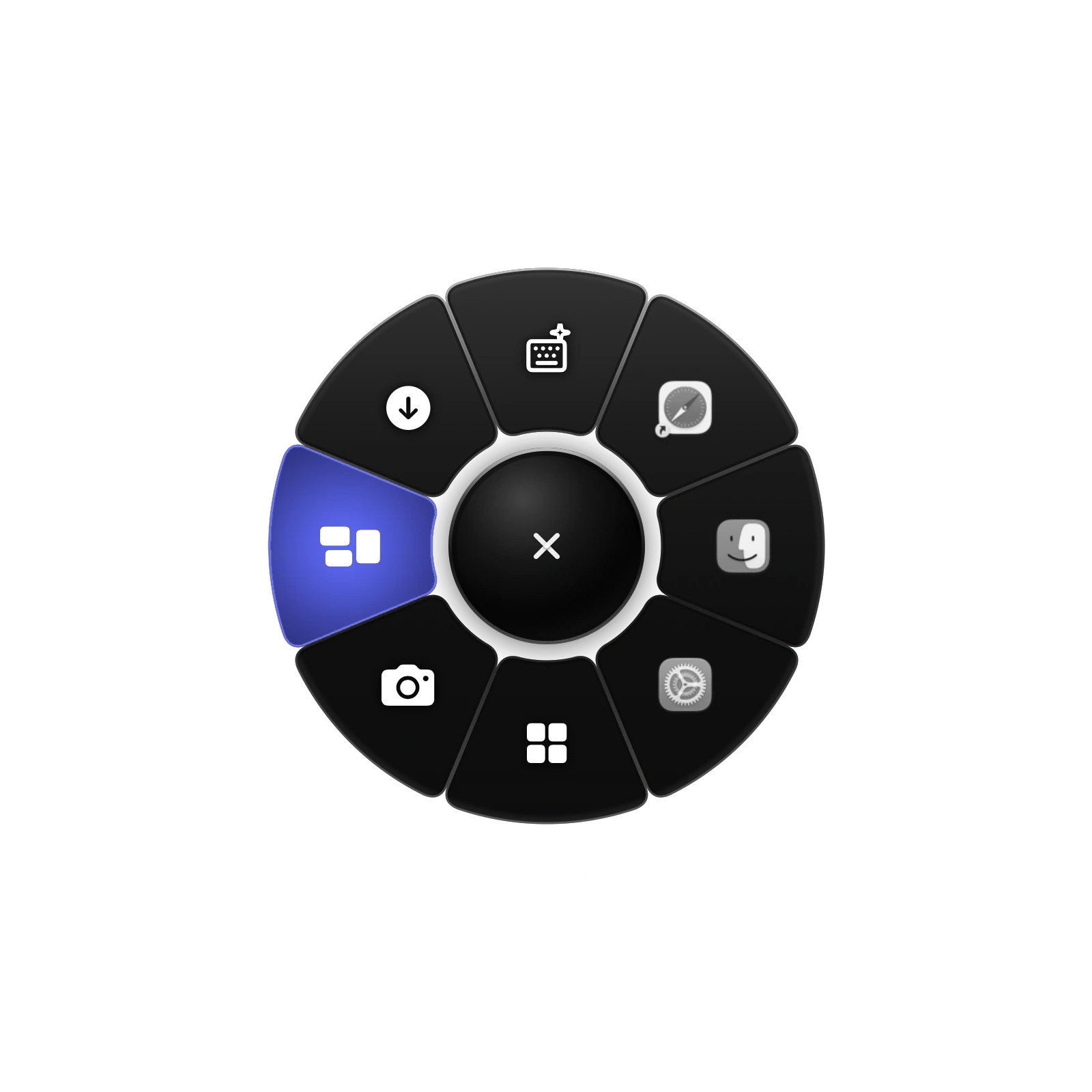
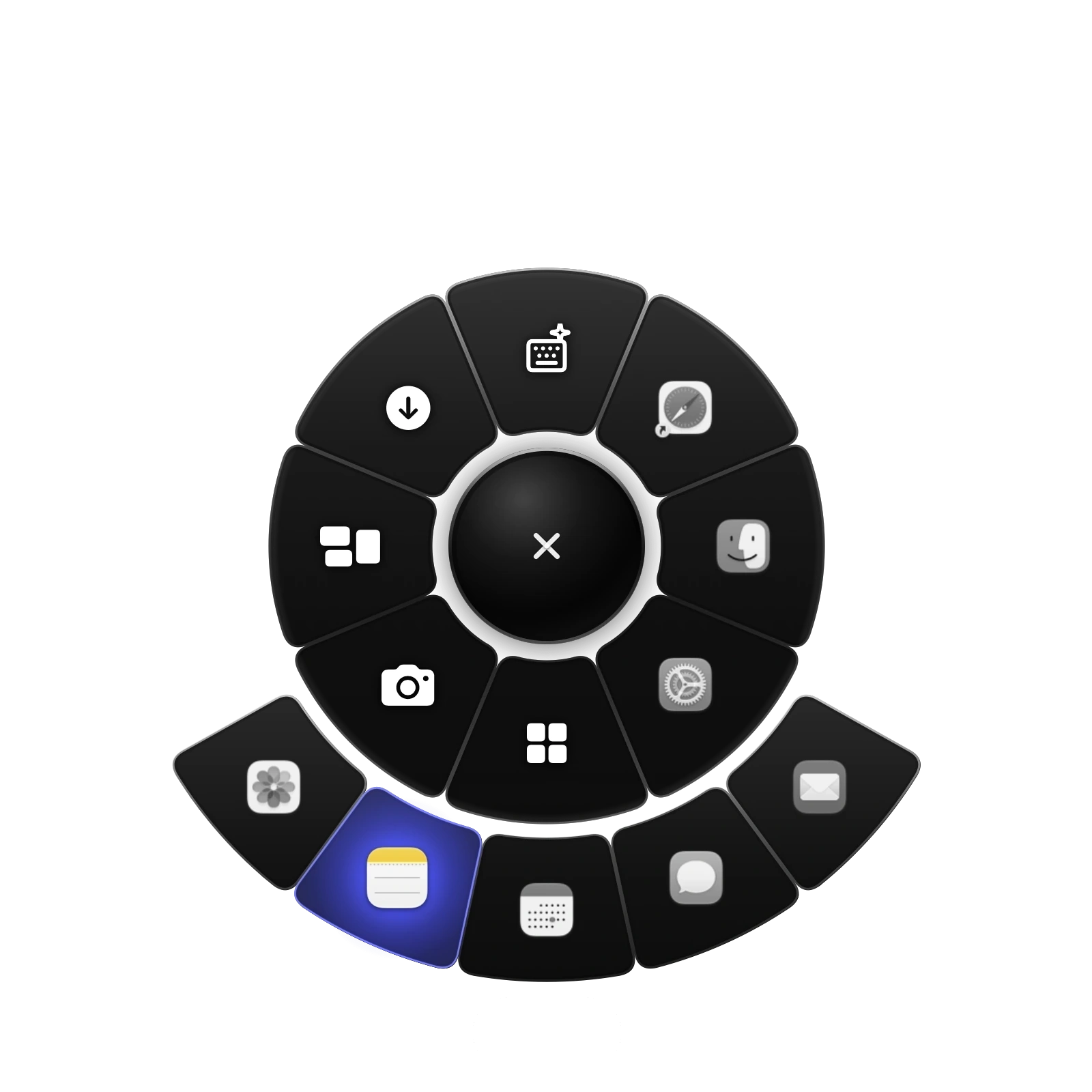
Create your ring and fill each slot with an App, File, Link, Shortcut, Text, or Group, or leave it Empty. One gesture. Everything within reach. Make it yours.
Made byVigan Tafili
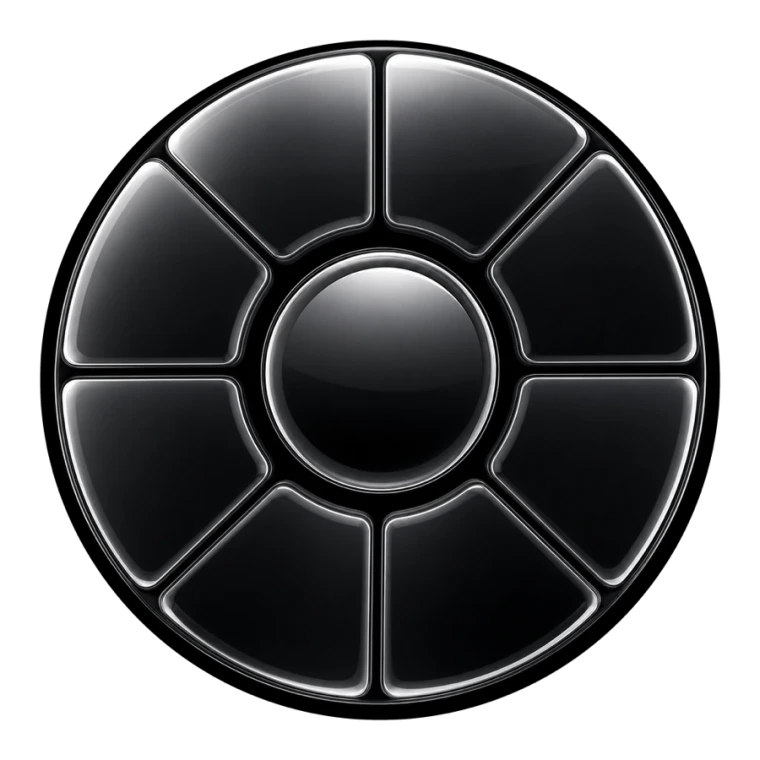
Qark is Albanian for circle or ring.A different way to keep things close
Try Qark free for 3 days, then unlock the Lifetime License.
No subscription, lifetime access to Qark on your Mac.
One license covers two of your Macs.
 Qark for macOSNº 0001Qark for macOSNº 0000
Questions
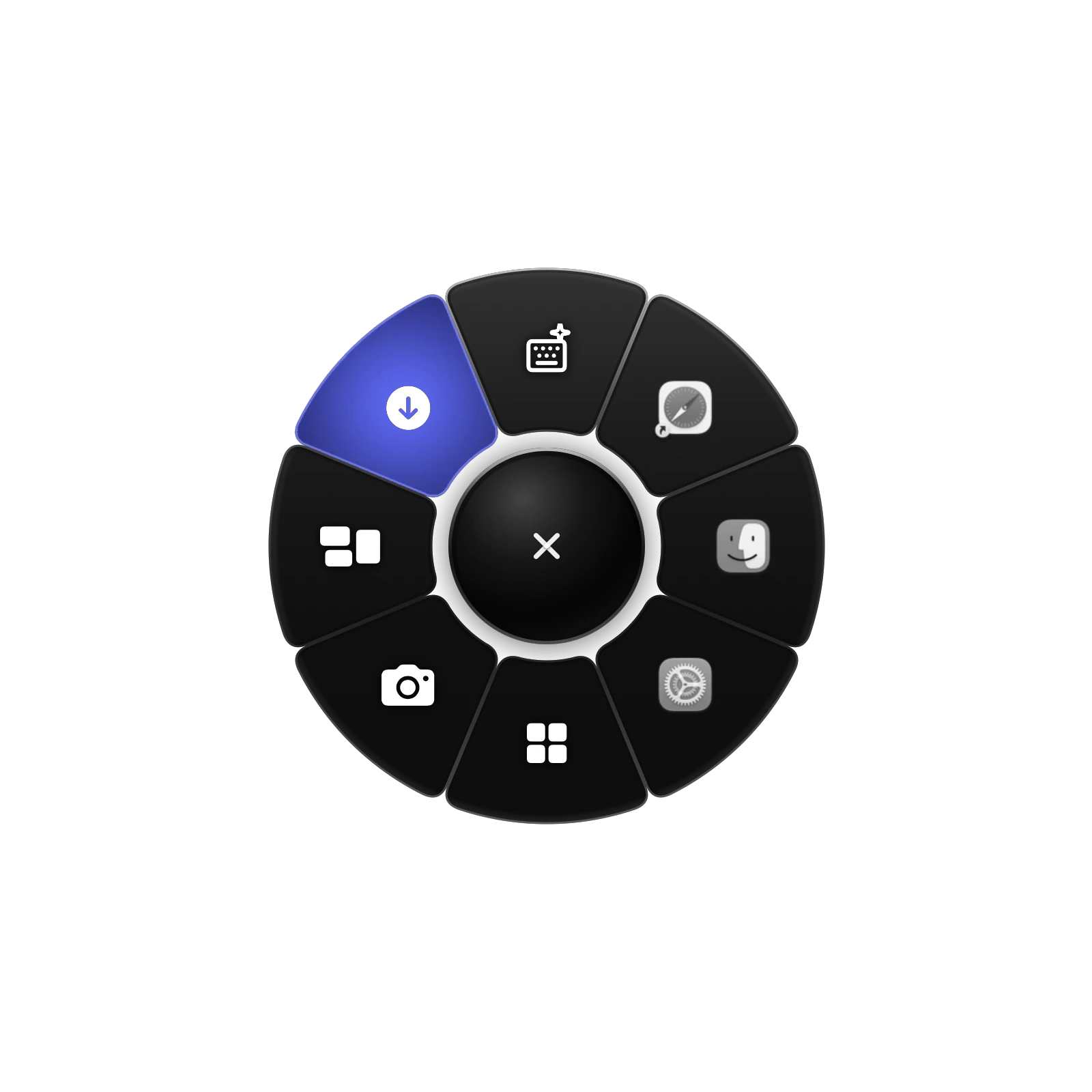
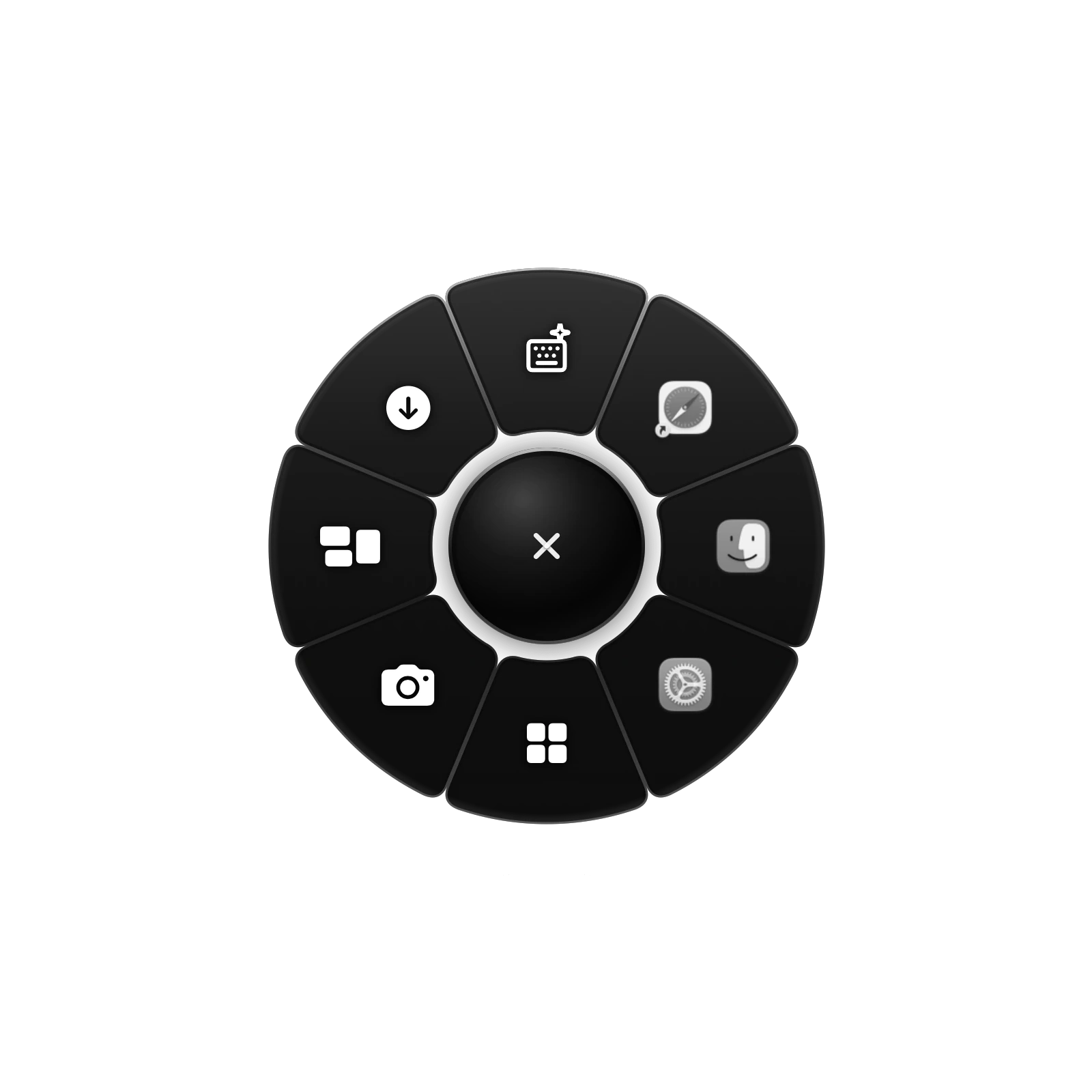
Qark is a radial menu for macOS. Your apps, files, links, shortcuts and actions sit in a ring around your pointer, ready the moment you need them.
Hold Control, Option and R, move onto an action, then let go. You can also open it with any mouse button, which you choose in Settings. If you prefer to click, choose Tap.
Apps, files, links, shortcuts, text and groups. Arrange your rings and slots in Settings.
Yes. Choose from seven designs and three materials: Plain, Frost Glass and Liquid Glass.
In Albanian, qark means circle or ring.
Qark comes with a 3 Day Free Trial. If it becomes part of your day, a lifetime license is available to buy. The trial download and purchases are both available.
No. Qark is a single purchase, with no recurring payments.
Your license is for life. It never expires.
Refunds are considered in limited cases, such as a duplicate payment or a defect that prevents Qark from doing its core job. We encourage you to try the free trial first. Full details are in the Refund Policy.
Your lifetime license covers up to 2 Macs.
After you buy, your license key, in the format QARK-XXXX-XXXX-XXXX, is emailed to the address you paid with, from qark@vigantafili.com. If it does not arrive, check your spam folder or contact that address.
To activate, open Qark and go to Settings > License. Paste your key and press Activate License. An internet connection is required.
To move Qark to another Mac, first press Deactivate This Mac on the License page. This frees the seat for your new Mac.
Open the downloaded .dmg and drag Qark into Applications.
This early version is not yet notarized by Apple, so macOS blocks it the first time you open it. Go to System Settings > Privacy & Security, scroll to Security, click Open Anyway next to Qark and confirm. After that, Qark opens as normal. Please download Qark only from this page.
A Mac with Apple silicon running macOS 27 or later. Intel Macs are not supported.
Please read the Refund Policy before you buy.